文章内容
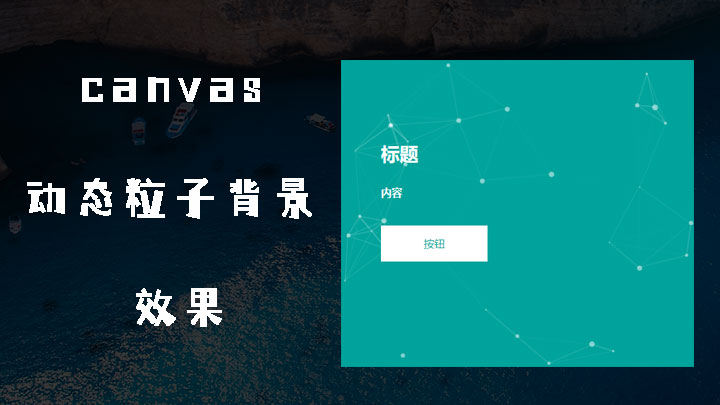
本文介绍一个canvas动态粒子背景动画效果案例演示particles.js
html代码
<script src="1.10.2/jquery.min.js" type="text/javascript"></script>
    <style>
        #particles-js
        {
            position: absolute;
            top: 0;
            left: 0;
            width: 100%;
            height: 100%;
        }
        h3
        {
            font-size: 28px;
            color: #fff;
            font-weight: bold;
        }
        h4
        {
            font-size: 16px;
            color: #fff;
            line-height: 26px;
            margin: 20px 0;
        }
        a
        {
            position: relative;
            z-index: 9;
        }
        a p
        {
            width: 160px;
            height: 54px;
            background: #fff;
            text-align: center;
            float: left;
            line-height: 53px;
            font-size: 16px;
            color: #08a8a0;
        }
    </style>
    <div style="width: 500px; height: 500px; position: relative; background: #00a39b;
        padding: 3% 3% 0 5%;">
        <h3 style="margin-top: 88px">
            标题</h3>
        <h4>
            内容</h4>
        <a href="#">
            <p>
                按钮</p>
        </a>
        <div id="particles-js">
            <canvas class="particles-js-canvas-el" style="width: 100%; height: 100%;"></canvas>
        </div>
    </div>
    <script src="js/login.js" type="text/javascript"></script>
<script src="js/loginapp.js" type="text/javascript"></script>在线演示:演示