文章内容
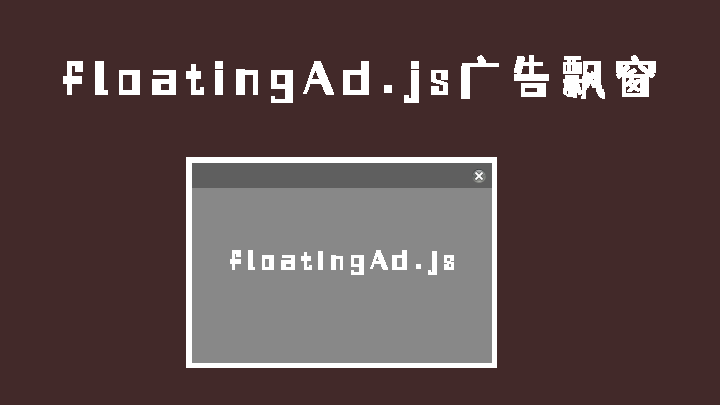
本文介绍一个使用floatingAd.js制作图片全屏随机漂浮广告效果,代码如下
html代码
<script type="text/javascript" src="jquery/3.3.1/jquery.min.js"></script>
<link rel="stylesheet" href="css/ad.css">
<script type="text/javascript" src="js/floatingAd.js"></script>
<script type="text/javascript">
    $(function () {
        $.floatingAd({
            delay: 60, isLinkClosed: true,
            ad: [{ headFilter: 0.3, 'img': 'images/1.png', 'imgHeight': 200, 'imgWidth': 300, 'linkUrl': 'https://www.baidu.com', 'z-index': 9999, 'title': '' },
            ],
        });
        $(".floatingAd .close").click(function () {
            $(".floatingAd").hide();
        });
    });
</script>
ad.css
<style>
    .floatingAd .ad
    {
        z-index: 100;
        background: none;
        position: absolute;
        display: none;
    }
    .floatingAd a
    {
        color: #000000;
        display: inline-block;
        text-decoration: none;
    }
    .floatingAd a img
    {
        border: 0;
    }
    .floatingAd .close
    {
        display: none;
    }
    .floatingAd .opacity
    {
        position: absolute;
        top: 0;
        width: 100%;
        height: 25px;
        background-color: #000000;
        opacity: 0.20;
        filter: alpha(opacity = 20);
    }
    .opacity1
    {
        opacity: 0.90;
        filter: alpha(opacity = 90);
    }
    .floatingAd .text
    {
        position: absolute;
        top: 0;
        width: 100%;
        height: 25px;
        color: #000000;
        line-height: 25px;
    }
    .floatingAd .text .button
    {
        position: relative;
        float: right;
        top: 5px;
        right: 5px;
        width: 16px;
        height: 16px;
        background: url("../images/close.png") no-repeat;
        cursor: pointer;
    }
    .floatingAd .text .title
    {
        position: relative;
        float: left;
        font-size: 12px;
        margin-left: 5px;
    }
</style>在线演示:演示